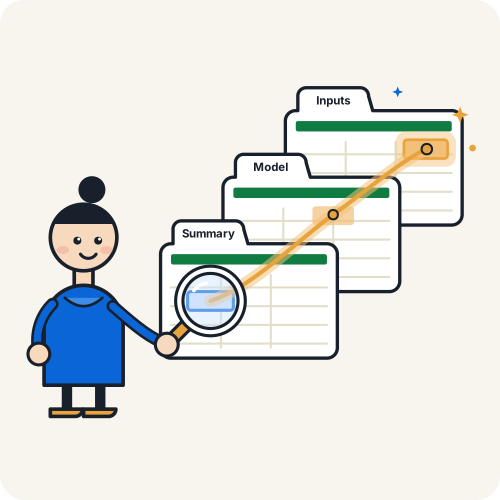
Flying through spreadsheets. Now made easy
Don’t get lost in complex workbooks. See how any model is built, and what breaks if you change a cell
Whoever built the model, you’re the one who explains it

Forty tabs before your coffee cooled. Now you answer for every number

‘It’s all in there,’ they said, and left for vacation

Shoot! How did this model work? I need to understand it, fast
How it works
Understand any formula, both ways, without touching your mouse
Don’t miss hardcoded values
Find every number typed into a formula, before it breaks your model
Every number typed into a formula is marked hardcoded
Colors the whole sheet by type, so inconsistencies and hardcoded numbers stand out
Any questions? Just press a letter
Does the Tracer change my formulas?
No. It reads formulas and values and never edits them. It does color cells: an amber fill on the row you’re on, which puts each cell’s own color back, and the Map, when you ask for it. It also saves one setting in the workbook, so it’s ready for ⌘⇧E.
Can the Tracer clear Excel’s undo history?
Yes. The fill and the Map change cell colors, and Excel may clear its undo history after an add-in writes. Press H to turn the fill off.
Does the Tracer follow INDIRECT and OFFSET?
Yes. It works out the cells they point to, so the Location column and the fill show the range the formula means, not the arguments it lists.
Can the Tracer follow a reference to another sheet?
Yes. The Location column names that sheet. Enter takes you to the cell, wherever it is, and Backspace brings you back.
Can the Tracer show what depends on a cell?
Yes. Press 2 for Dependents: every cell, on every sheet, that uses the one you’re on. Arrow down the list and the fill follows.
Does the Tracer send my formulas anywhere?
No. Formulas are read and calculated on your Mac. The Tracer reports only how it is used, as counts: never a formula, a value or a sheet name. The privacy page lists what is kept, and where.
How does the Tracer sign in?
Through the Axiom Forge app, once you connect it in setup, so one sign-in covers both tools. During the beta it also works on its own.
⌥Build faster⌘⇧ERead clearer
One download for both tools, free during the beta
macOS 13 or laterExcel for Mac, Microsoft 365